
Download Wondershare Video Editor – video editor, video editing software, video maker, video tool, PC software, desktop application
Overview
Wondershare Video Editor is a desktop application designed for users seeking a reliable solution to create and edit videos on their personal computers. Tailored for both amateur creators and professionals, the software enables users to assemble, trim, enhance, and export video content with intuitive tools. It addresses common challenges in video production such as fragmented clips, inconsistent transitions, and the need for professional-grade effects without steep learning curves.
The software supports a wide range of real-world use cases, including social media content creation, educational video production, vlogging, and personal project editing. As a product from Wondershare, a developer known for multimedia tools, it aligns with established expectations for usability and feature integration. The software is built for Windows and Mac environments, offering cross-platform accessibility for users across different operating systems.
While specific workflow details are not provided, the tool is intended to streamline the editing process from start to finish.
Key Features & Capabilities
- Video Trimming and Splitting – Easily cut and rearrange video clips to maintain narrative flow or remove unwanted segments. Ideal for refining raw footage from cameras or smartphones.
- Transition Effects – Apply smooth transitions between clips to enhance visual continuity and professionalism in final output.
- Audio Enhancement Tools – Adjust volume levels, remove background noise, and synchronize audio with video for clearer sound quality.
- Text and Title Overlays – Insert customizable text, captions, and animated titles to provide context, branding, or storytelling elements.
- Filter and Color Correction – Improve visual quality using built-in filters and color grading tools to match desired moods or styles.
- Export and Sharing Options – Export videos in multiple formats and resolutions, optimized for platforms like YouTube, Instagram, and Vimeo.
These features collectively support efficient content creation across diverse scenarios. For example, a YouTuber can use the trimming and transition tools to structure a video, while a teacher might apply text overlays and filters to produce engaging educational materials. The software’s capabilities are designed to reduce the time spent on post-production tasks, allowing users to focus on creative expression rather than technical complexity.
User Interface, Workflow & Performance
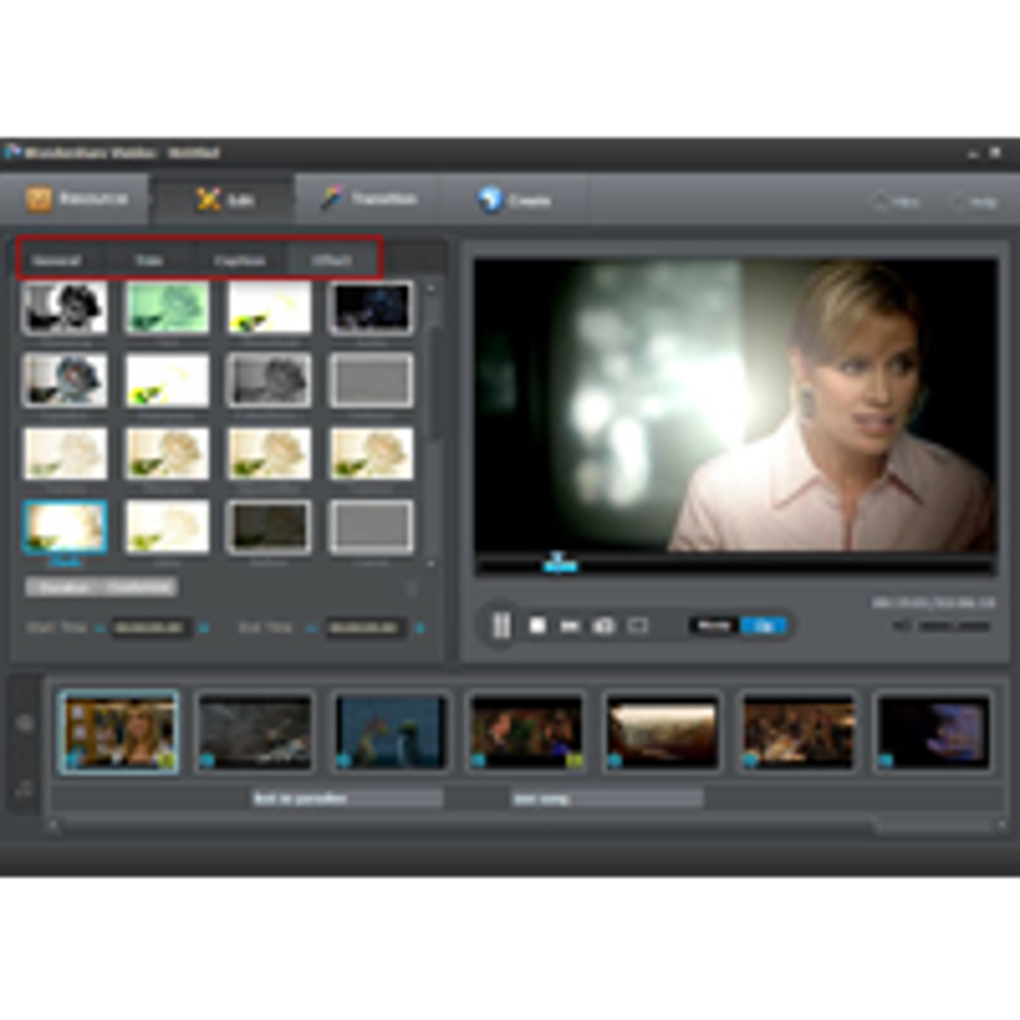
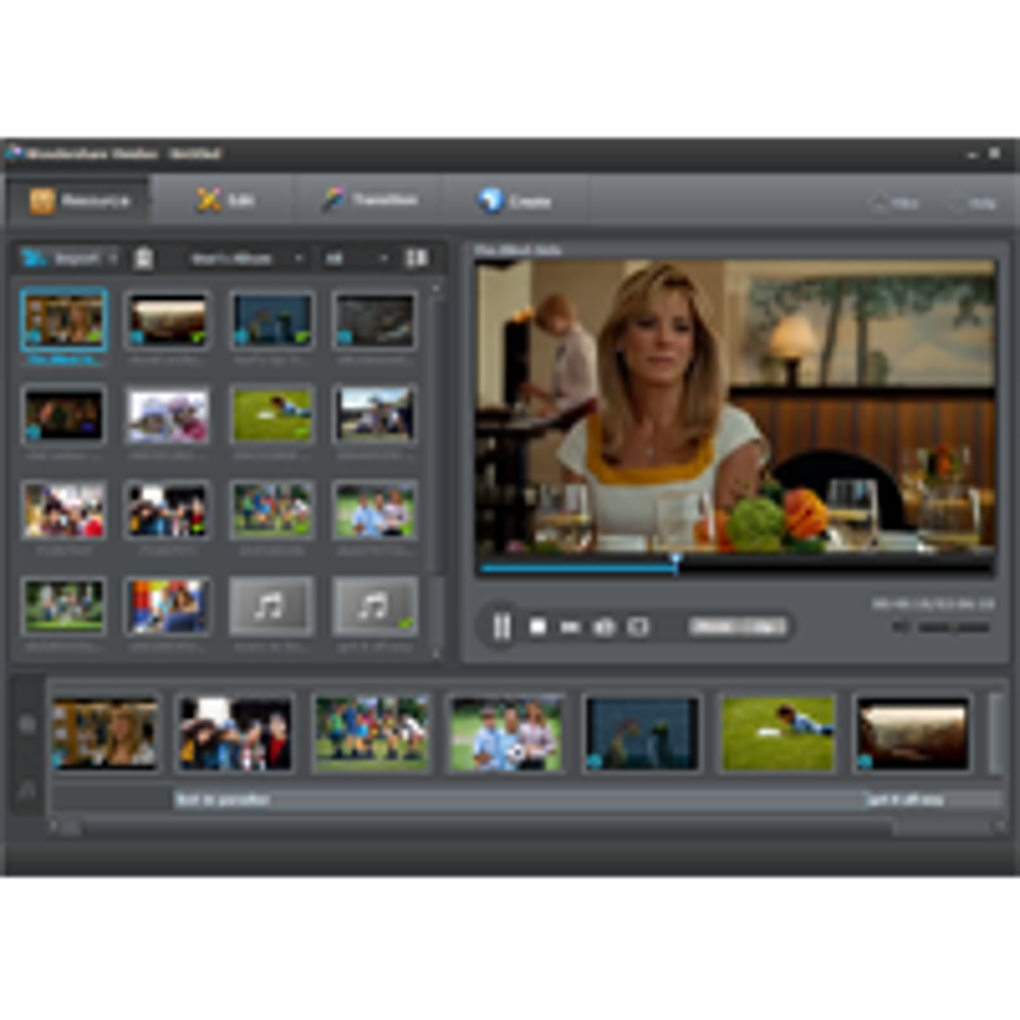
The user interface of Wondershare Video Editor is structured to prioritize accessibility and workflow efficiency. The layout features a timeline-based editing environment, with media assets displayed in a sidebar and editing tools grouped in toolbars. Navigation is designed to be intuitive, allowing users to drag and drop clips directly onto the timeline.
The workflow follows a logical sequence: import, edit, enhance, and export—minimizing the need for complex configurations. While specific performance metrics are not provided, the software is expected to function smoothly within standard desktop environments. The developer did not specify resource usage details, so actual CPU and RAM behavior may vary depending on project complexity and system configuration.
Stability during long editing sessions has not been documented, but the software’s design suggests a focus on reliability. Users can expect consistent behavior during typical editing tasks, though performance may be affected by large file sizes or high-resolution footage.
Compatibility & System Requirements
Wondershare Video Editor is available for both Windows and Mac operating systems, ensuring broad accessibility across major desktop platforms. The software is compatible with the latest versions of these systems, as indicated by the 2024 release. The installation size is 200 MB, which suggests a lightweight footprint relative to other video editing applications.
However, exact system requirements were not listed, including details on minimum RAM, processor speed, or graphics card specifications. This lack of detail may affect users with older hardware or specific configuration needs. Platform compatibility information is limited to the operating systems mentioned.
Users should verify their system’s ability to run the software based on general performance expectations for video editing tools. The developer did not provide additional system requirements, so users are advised to ensure their devices meet standard desktop standards for multimedia applications.
Pros and Cons
Pros
- Intuitive interface suitable for beginners and intermediate users
- Comprehensive editing tools including transitions, filters, and audio controls
- Supports multiple export formats for various platforms
- Available on both Windows and Mac
- Compact installation size of 200 MB
Cons
- No detailed system requirements provided
- Performance under heavy workloads not documented
- Limited information on real-time preview capabilities
- Price point of $49.99 may be high for casual users
- Exact update frequency and support duration not specified
FAQ Section
Is Wondershare Video Editor compatible with Windows and Mac?
Yes, the software is designed for both Windows and Mac operating systems, offering cross-platform support for desktop users.
Is the software safe to download and install?
As a product from Wondershare, a recognized developer in the multimedia space, the software is considered secure when downloaded from official sources.
Does Wondershare Video Editor require an internet connection?
The software can be used offline after installation. However, certain features like cloud sync or updates may require an internet connection.
What kind of license does Wondershare Video Editor use?
The software operates under a one-time purchase model, with a single license allowing use on one device. Specific terms were not provided.
How often are updates released for Wondershare Video Editor?
Update frequency was not specified. Users are encouraged to check the official website for the latest version and improvements.
Final Thoughts + CTA
Wondershare Video Editor delivers a balanced combination of functionality and ease of use, making it a strong contender in the PC software landscape for video editing. Its clean interface, cross-platform availability, and robust editing features cater well to content creators who need a dependable tool without the complexity of professional-grade software. While some technical details remain unspecified, the software’s design and feature set suggest a reliable experience for everyday video production.
It is particularly beneficial for educators, social media creators, and hobbyists looking to produce polished videos efficiently. For users seeking a secure, well-structured desktop application with broad compatibility, Wondershare Video Editor presents a compelling option. Download Wondershare Video Editor now.







